Train the Next Generation of Aviators with Simulation Precision
Run structured simulator sessions, log performance, and customize training scenarios — all in one dashboard.
Train in Sim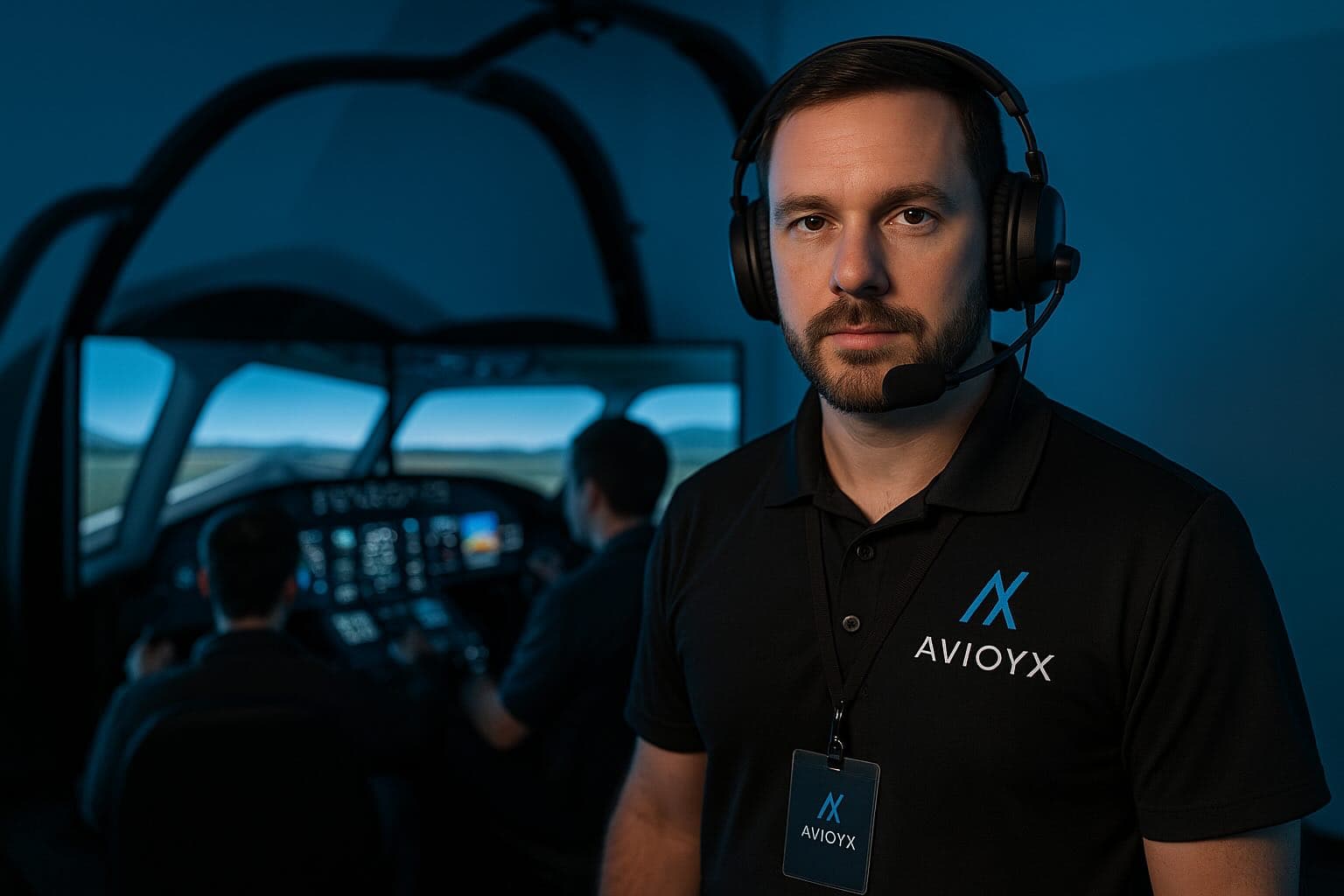
Sim Logs
Scenario Tools
Debriefs
Performance

Run Every Session with Total Clarity
- Schedule and launch custom simulator scenarios.
- Track sim hour distribution: solo, dual, crewed.
- Annotate maneuvers and event performance.
- Score progress and sync with instructor team.

Boost Learning with Real-Time Debriefs
- Debrief Tools: Replay maneuvers and score each section
- Session Notes: Tag behaviors and flag retest areas
- Analytics: Spot trends across multiple trainees
Advanced Tools for Simulation-Based Training
Sim Scheduling
Assign and organize simulator sessions with timeline views, block slots, and instructor pairing.
Scenario Editor
Customize IFR, VFR, and emergency scenarios per student level or certification path.
Debrief Reports
Generate annotated reports post-session with notes, screenshots, and feedback highlights.
Performance Analytics
Score maneuvers, response times, and check adherence to SOPs with automated grading logic.
Hour Tracking
Log solo and dual time across sim types (FTD, FFS, BATD) for audit-ready reports.
Multi-Student Support
Run group briefings, assign breakout sim stations, and track students individually.
Recurrent & Type Ratings
Deliver structured sim training paths for recurrent checks, type transitions, or airline onboarding.
ACS/PTS Integration
Link session objectives to FAA ACS or ICAO PANS-TRG for streamlined performance tracking.

Join the Simulator Instructor Network
- Offer session availability for freelance or contract work.
- Promote simulator types and training specialties.
- Collaborate with flight schools and airlines.
- Build your profile and attract students or employers.
Effective Simulation Instruction Workflows
Schedule & Organize Sessions
Plan multiple simulator blocks, assign instructors, and sync availability with students.
Customize Training Scenarios
Create custom emergencies, weather, and system failures tailored to certification goals.
Replay & Annotate Sessions
Record sessions with timestamped notes to debrief key maneuvers and decisions visually.
Score Student Performance
Use built-in rubrics or FAA/ICAO standards to evaluate accuracy, CRM, and response times.
Log Sim Time Automatically
Capture dual, solo, instructor, and observer time automatically with exportable reports.
Track Recurrent Training
Ensure compliance with regulatory cycles for airline or military crews using automated alerts.
Manage Multi-Crew Training
Pair students for multi-crew tasks like CRM or LOFT and provide team-level evaluations.
Export Debriefs & Scores
Generate PDFs or CSVs for session summaries, evaluator notes, and pass/fail records.
Traditional Sim Instructing vs Avioyx Tools
| Feature | Legacy Tools | Avioyx |
|---|---|---|
| Simulator Session Scheduling | Whiteboards, paper charts, or back-and-forth emails | Shared digital calendar with resource, instructor, and student availability syncing |
| Scenario Management | Manual loading from USBs or ad-hoc setups | Pre-built, reusable scenario templates with environmental variables and failure injections |
| Student Evaluation & Grading | Handwritten notes and inconsistent rubrics | Standardized scoring with FAA PTS/ACS-aligned rubrics and digital tracking |
| Debrief & Review Tools | Basic playback or verbal review with no storage | Integrated video debrief with time-stamped annotations and comments |
| Training Log Management | Excel sheets or paper logbooks | Auto-filled logs with solo/dual separation and hourly summaries |
| Emergency Training Readiness | Randomized testing with no pattern tracking | Track proficiency across multiple emergency scenarios and flag weak areas |
| Instructor & Student Collaboration | Offline worksheets or in-person-only feedback | Real-time student portals with shared notes and progress views |
| Performance Analytics | No standardized data aggregation | Session-by-session charts with maneuver ratings, consistency scores, and progress graphs |
How It Works
Create Your Instructor Profile
Enter your simulator credentials, specialties, and contact details to get started.
Set Up Sim Facilities
Add available simulator devices, locations, and types (FTD, FFS, etc.).
Define Training Programs
Set up simulator curriculum for ratings, recurrent checks, and ATPL prep.
Customize Scenarios
Create reusable flight scenarios like engine failures, diversions, or crosswind landings.
Invite Students
Add students manually or invite them to access their simulator schedules and performance logs.
Build Sim Schedules
Assign sim slots for solo, dual, and group sessions with real-time availability views.
Track Sim Hours
Log dual and solo time automatically after sessions are completed and verified.
Debrief and Annotate
Upload recordings, add instructor notes, and provide annotated feedback for each flight.
Score Performance
Use evaluation rubrics to assess maneuvers, procedures, CRM, and emergency handling.
Generate Reports
Export PDF summaries of progress, deficiencies, and check-readiness.
Sync With Flight Schools
Connect with partner schools to align your sessions with their ground and flight syllabi.
Review Feedback and Improve
Analyze student reviews and adjust your training strategy for improved outcomes.
Case Study: Sim Instructor Jamie's Scenario-Based Success
Jamie increased session quality and reduced prep time by 60% by customizing sim scenarios and logging debriefs with Avioyx.
- Built multi-phase engine failure scenarios
- Annotated performance with smart scoring
- Shared digital debriefs with students instantly

“Avioyx helps me focus on training instead of paperwork. The debriefing and scoring tools are game-changers.”
What Simulator Instructors Are Saying
“Scenario builder and custom scoring rubrics let me tailor each session to airline SOPs.”
“I can schedule, score, and debrief sessions in one place. It’s transformed our workflow.”
“Avioyx provides seamless ACS checklist integration and candidate scoring history access.”
“Playback and annotation features are a game-changer for post-session feedback.”
“We now coordinate multiple sims and instructors without email chains — incredible upgrade.”
“The scheduling and logging tools work perfectly even across different simulator models.”
“Having tactical and emergency scenarios prebuilt saves hours in mission prep.”
“Perfect for logging freelance sim work and keeping students engaged between flights.”
Seamless Integrations
Avioyx connects with industry-standard aviation tools — making setup fast and flight operations smooth.






Trusted by Simulator Instructors Worldwide
Trainers and centers in 10+ countries use Avioyx to modernize sim sessions.
Frequently Asked Questions
Plans for Individual and Academy Sim Instructors
Support for sim centers and freelance instructors alike.
Free
$0/month
Ideal for freelance sim instructors or new CFIs exploring digital tools.
- Schedule up to 5 sessions/month
- Basic scenario builder
- Manual hour logging
- Standard ACS/PTS checklist access
- Desktop access only
Pro
$19/month
Best for active sim instructors working at training centers or flying schools.
- Unlimited session scheduling
- Advanced scenario customization
- Performance scoring dashboard
- Debrief annotations & session playback logs
- Mobile + desktop access
- Exportable PDF reports
Enterprise
$59/month
For academies, airlines, or ATOs running full simulator training operations.
- Multi-instructor and multi-simulator support
- Training program tracking (ATPL, Type Rating, Recurrent)
- Custom rubrics and SOP scoring
- Integrated LMS & API access
- Dedicated account manager & support
- Sim room & resource scheduling
Featured in Top Aviation Media & Brands
Avioyx is trusted by aviation professionals and featured in top flight training and aerospace publications.





Start & Scale Your Career Paths
Discover tools and features designed for every aviation role—from students to professionals.